 Shorts
Features
ShortsPost is a desktop publishing tool for TikTok creators. Here is everything it does.
Direct posting to your profile
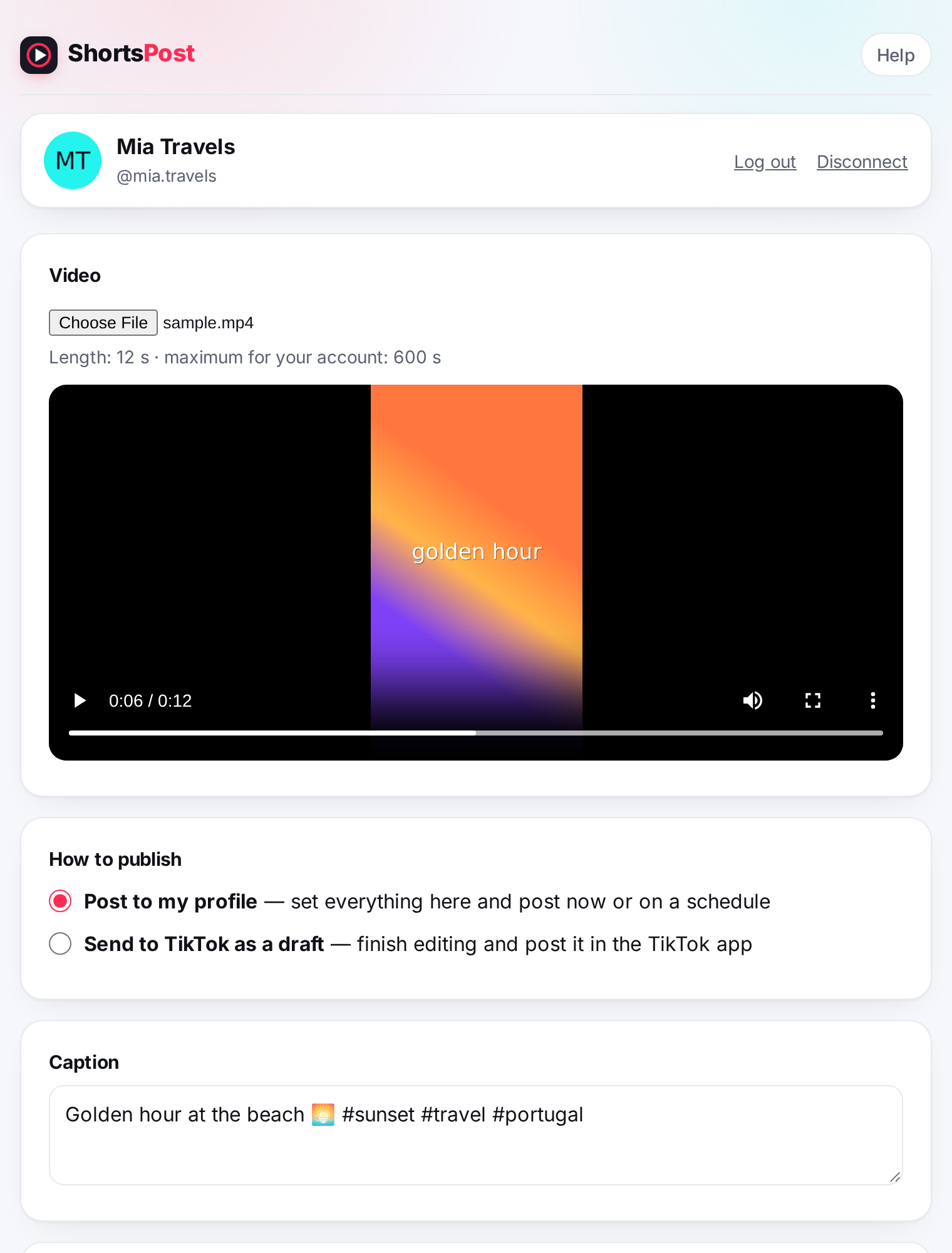
Upload an MP4 or MOV file from your computer, preview it, and publish it to your own TikTok profile through TikTok's official Content Posting API.
- Caption with hashtags and @mentions
- Preview the video before posting
- Length checked against your account's limit before upload
- Videos up to 500 MB
Privacy and interaction controls
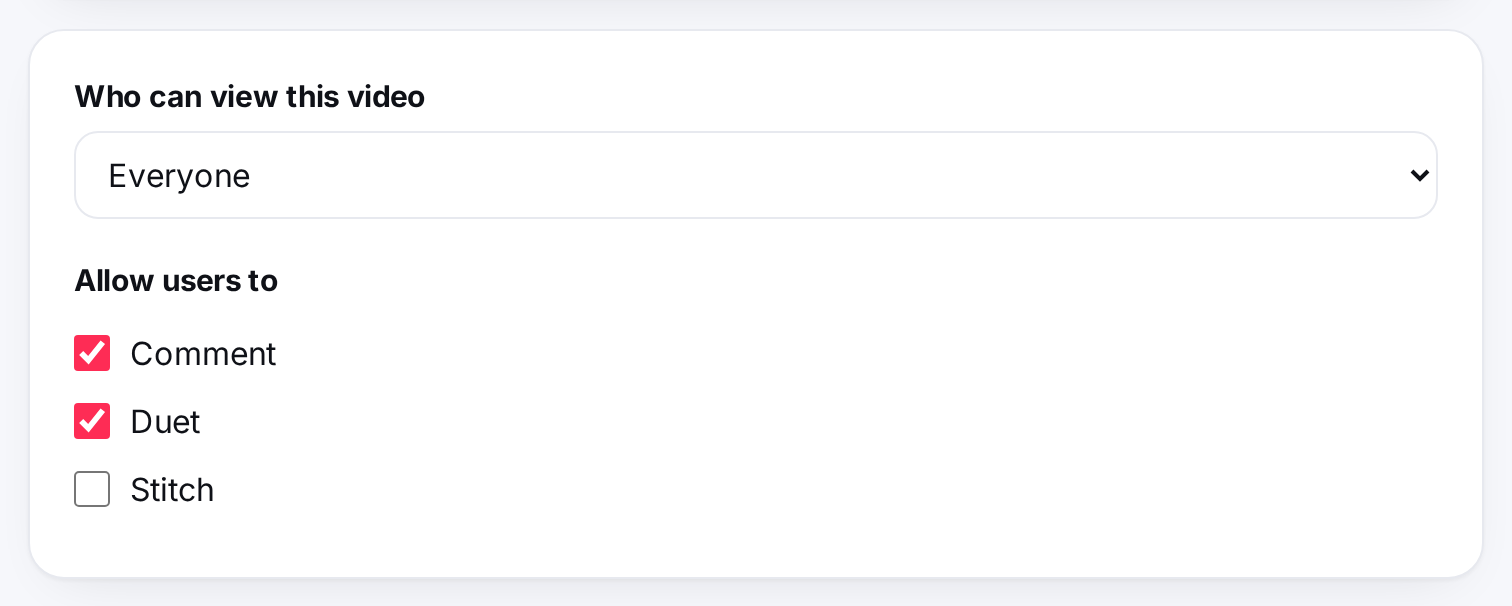
Every post gets the settings you choose, nothing is pre-selected for you. The options shown come directly from your TikTok account, so you only see what your account allows.
- Who can view: Everyone, Friends, Followers or Only me
- Allow or block comments, Duet and Stitch
- Settings disabled in your TikTok privacy settings are shown as unavailable
Commercial content disclosure
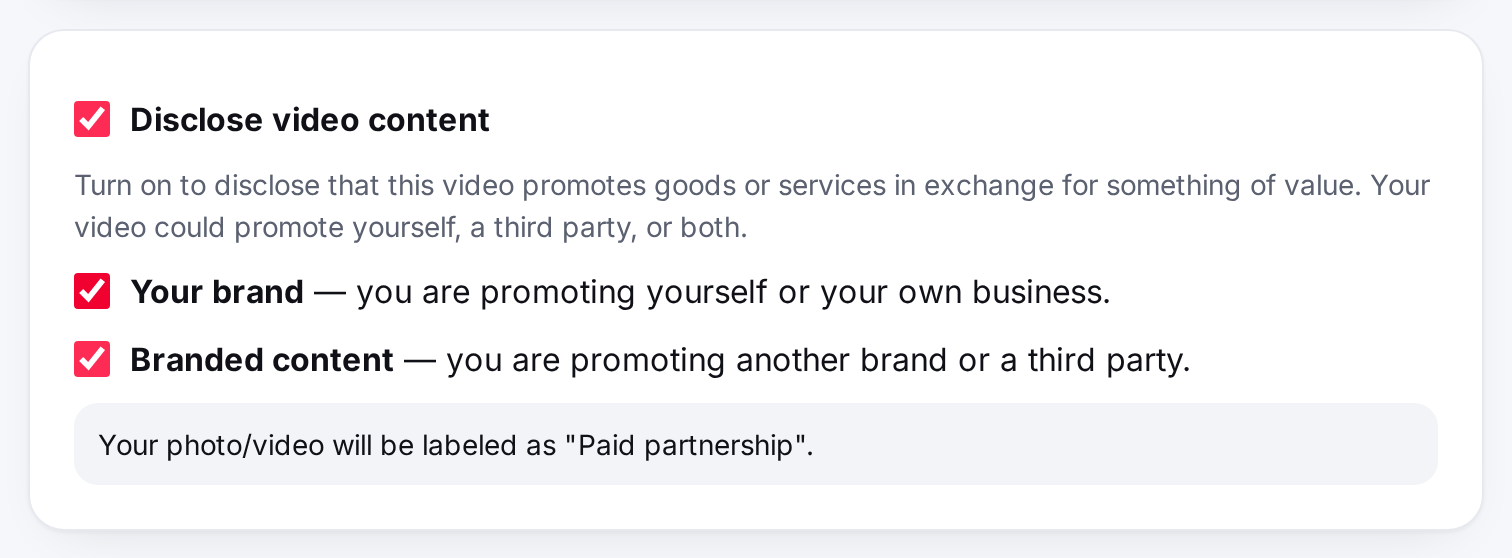
If a video promotes a brand, product or service, turn on disclosure and say whether it promotes your own business or a third party. TikTok then labels the post as "Promotional content" or "Paid partnership".
- Your brand and Branded content options
- Branded content cannot be set to Only me, as TikTok requires
- Links to TikTok's Branded Content Policy and Music Usage Confirmation
Scheduling
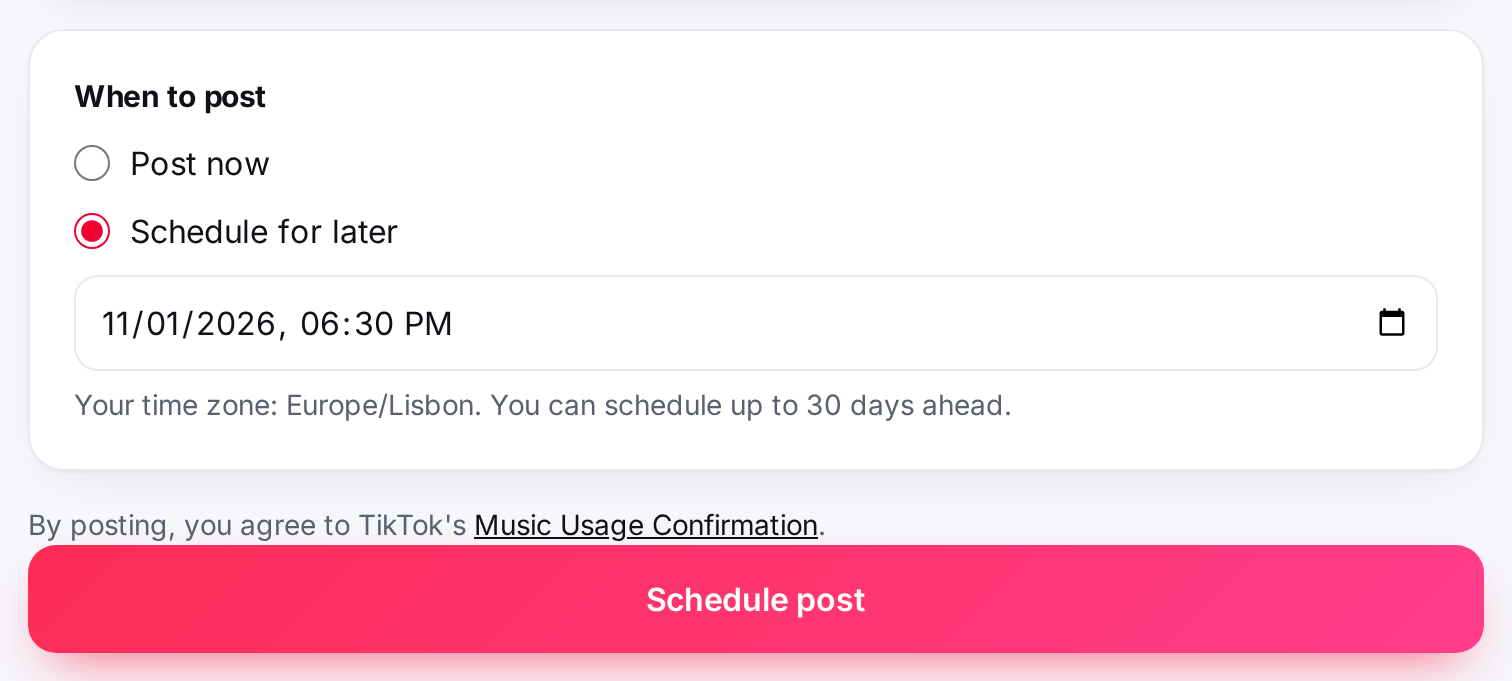
Pick a date and time up to 30 days ahead. ShortsPost uploads the video and publishes it at that time, even when your computer is off.
- Up to 20 scheduled posts per account
- Your local time zone is detected automatically
- Cancel any scheduled post before it starts uploading
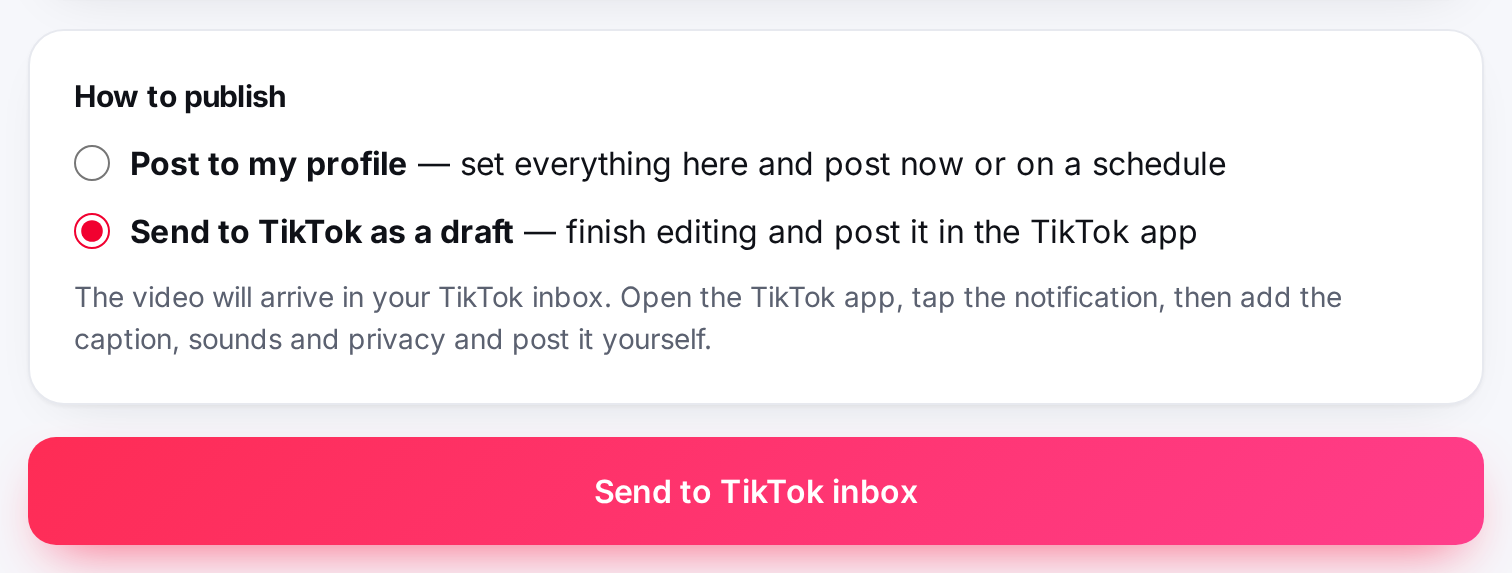
Send to TikTok as a draft
Want to add trending sounds, stickers or effects? Send the video to your TikTok inbox instead. You get a notification in the TikTok app, finish editing there and post it yourself.
Post tracking
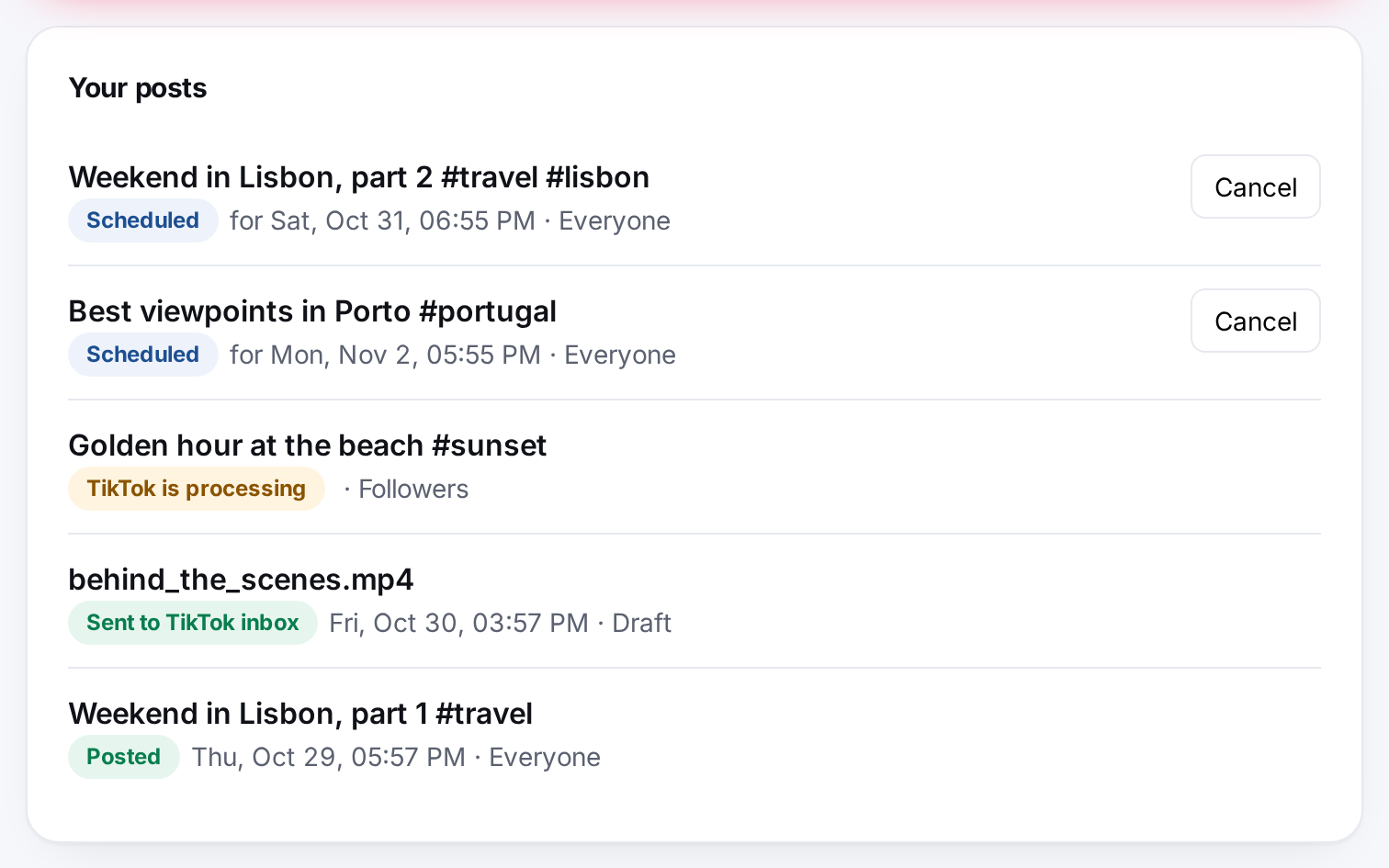
A single list shows every video and its status, updated automatically: Scheduled, Uploading to TikTok, TikTok is processing, Posted, Sent to TikTok inbox, Cancelled or Failed with the reason. History is kept for 14 days.